Today, an efficient data network isn't a luxury; it's a necessity. From small offices to large companies in Buenaventura and across Valle del Cauca, everything depends on stable, secure connectivity: email, invoicing, cameras, phones and cloud systems.
What is a business network?
A business network is the set of cabling, equipment and configuration that connects an organization’s computers, servers, printers, cameras and phones to each other and to the internet. Unlike a home network, it has to support many users at once, prioritize traffic by importance, protect information and keep working as the company grows or moves offices.
That’s why plugging in a router and a few cables isn’t enough: a business network is designed around how many people use it, which applications they need, where the workstations are and how critical it is that it never goes down.
The components of a business network
Every company is different, but almost all business networks combine the same elements:
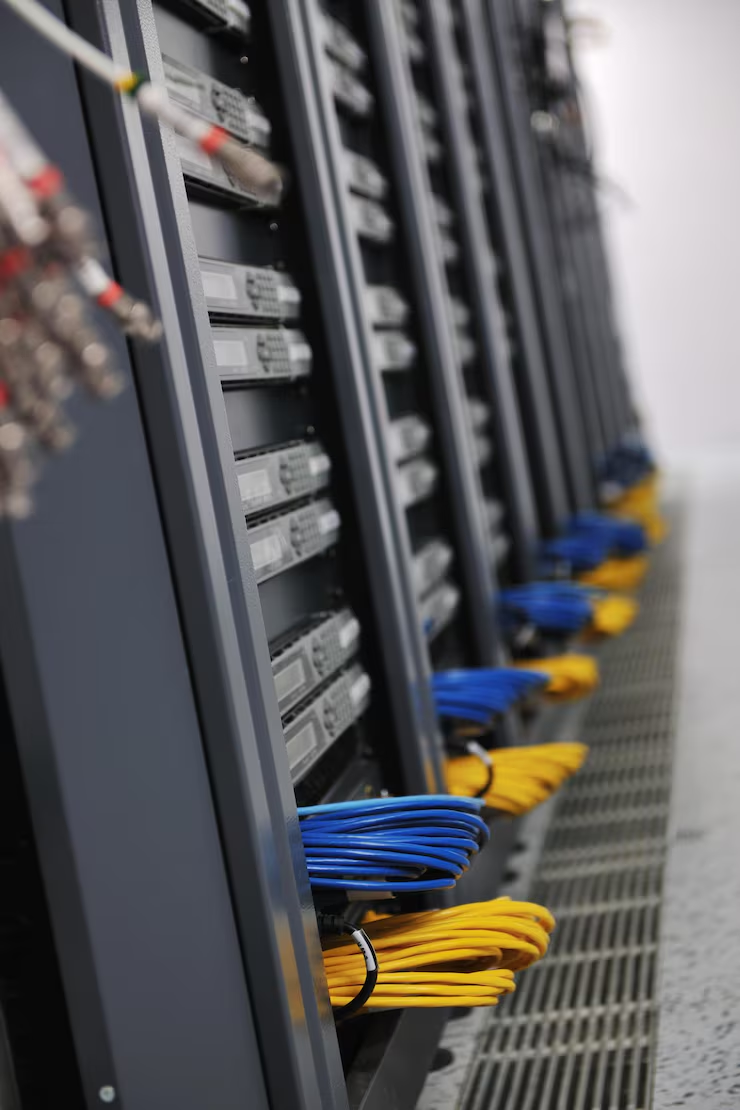
- Structured cabling: UTP cabling (Cat 6 or Cat 6A) and, for long distances, fiber optics, organized and labeled from a rack to every network point.
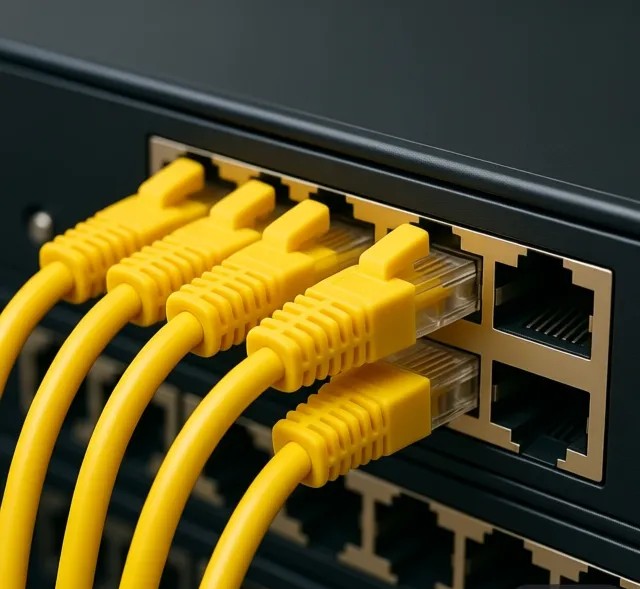
- Switches: distribute the connection to each device and let you create virtual networks (VLANs) to separate areas or types of traffic.
- Business Wi-Fi: access points spread out for even coverage across the site, with a separate network for guests.
- Router and firewall: connect the company to the internet and filter what goes in and out.
- Servers and storage: where shared files, backups and internal systems live.
- Power backup: a UPS that keeps critical equipment running through outages and voltage swings.
Types of business networks
Depending on the company’s size and operations, different types of network are combined:
- Local area network (LAN): connects the equipment within one site. It’s the foundation of any office.
- Corporate wireless network: brings connectivity to laptops, phones and mobile devices without giving up security or speed.
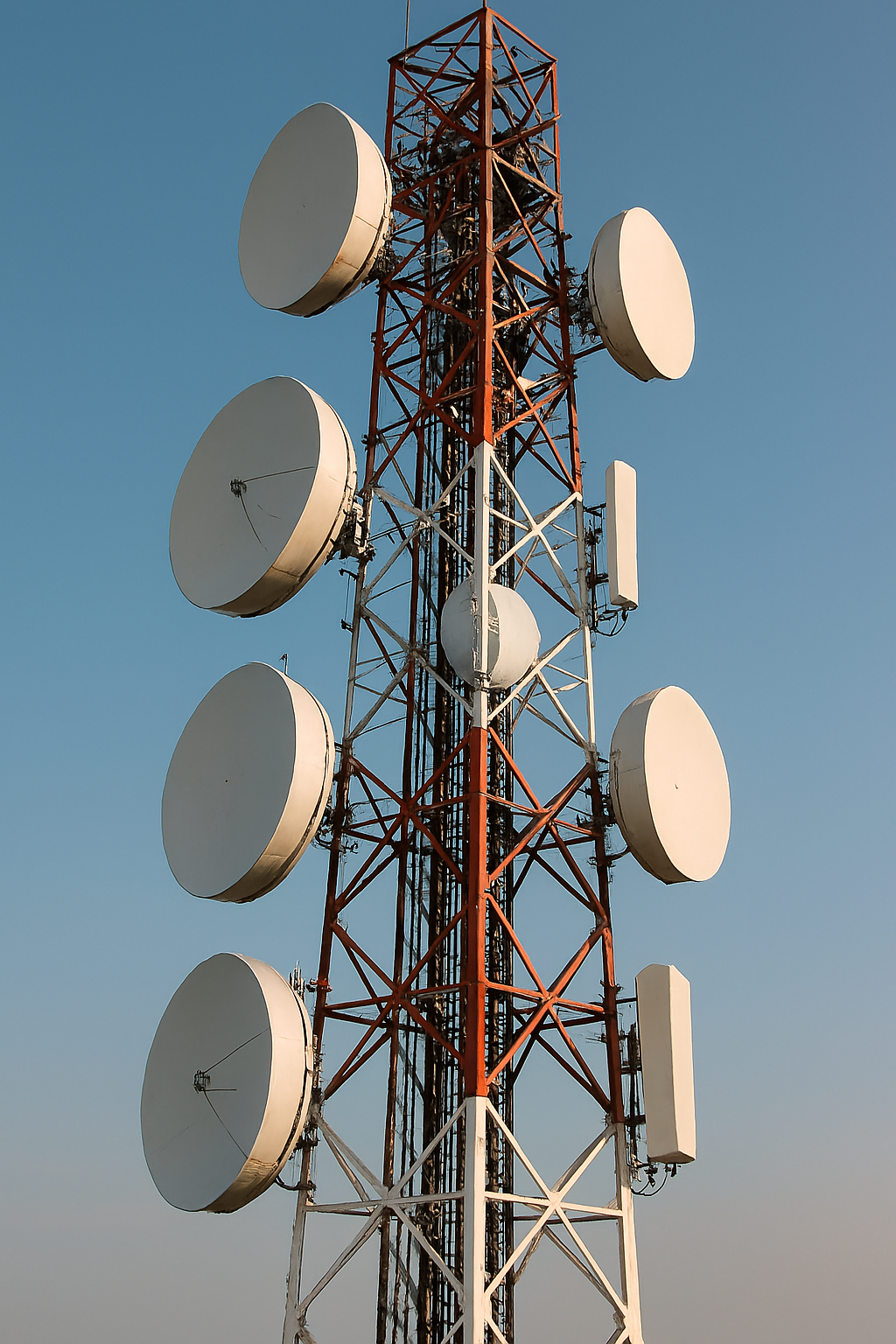
- Network between sites (WAN): links offices, warehouses or service points in different locations, over the internet with secure connections (VPN) or point-to-point radio links.
- Networks separated by function: video surveillance, IP telephony or guests on their own VLAN, so they don’t compete with administrative traffic.
The real cost of a bad network
A poor network installation can cause constant outages, slow systems and financial losses that are hard to quantify: staff who can’t invoice, cameras that stop recording or a server no one can reach. That’s why network design should be done professionally, taking into account the number of users, the type of traffic and future growth.
Signs your network needs an upgrade
- The internet or internal systems slow down at certain times or when more people connect.
- There are areas of the office where Wi-Fi doesn’t reach or keeps dropping.
- No one knows which cable goes to which desk because the rack is messy and unlabeled.
- Adding a new workstation or camera means running temporary cables.
- The network equipment is many years old and no longer gets security updates.
- Guests and employees share the same Wi-Fi network.
Modern networks: much more than cables
Modern networks don’t just connect computers: they also bring together security cameras, IP phones, cloud systems and smart devices. A well-planned architecture lets all of them work together smoothly and without interruptions.
Security is part of the design, not an add-on: splitting the network into VLANs, configuring the firewall, using strong Wi-Fi passwords, isolating the guest network and keeping equipment updated greatly reduces the risk of unauthorized access.
How we implement it
- Site visit: we review the site, the workstations and the equipment to be connected.
- Floor plan survey: we locate the network points, the rack and the cable routes.
- Topology design: we define switches, Wi-Fi, VLANs and expected growth.
- Certified installation: we run, organize and label the cabling to standards such as TIA/EIA-568.
- Performance testing: we certify every point and check that the network works as designed.
At TecnoPacific, we design and install high-performance networks tailored to each client, with a service warranty and post-installation support.
A real example: the Buenaventura Comptroller’s Office
For the Buenaventura Comptroller’s Office, we replaced outdated infrastructure with a new network: certified Cat 6A structured cabling, 48-port patch panels in a telecommunications rack, a rack server, a separate network cabinet and a router with extended Wi-Fi coverage for every office. See the full case study with photos.
Business network services in Buenaventura
If your company needs a new network or wants to improve the one it has, we can handle the whole process:
- Design of LAN, Wi-Fi and site-to-site networks.
- Installation of certified structured cabling and fiber optics.
- Configuration of switches, VLANs, firewalls and access points.
- Radio links for sites or areas without fiber coverage.
- Maintenance, technical documentation and support.
Learn more about our telecommunications infrastructure service.
Need to organize or expand your company's network?
We reply within 24 hours, and advice is free.