Keys get copied, get lost and leave no record. Electronic access control decides who can open each door and logs when they did, which is useful in a small office as much as in a warehouse or a busy shop.
How access control works
Every system, from a single door to a whole building, has the same parts:
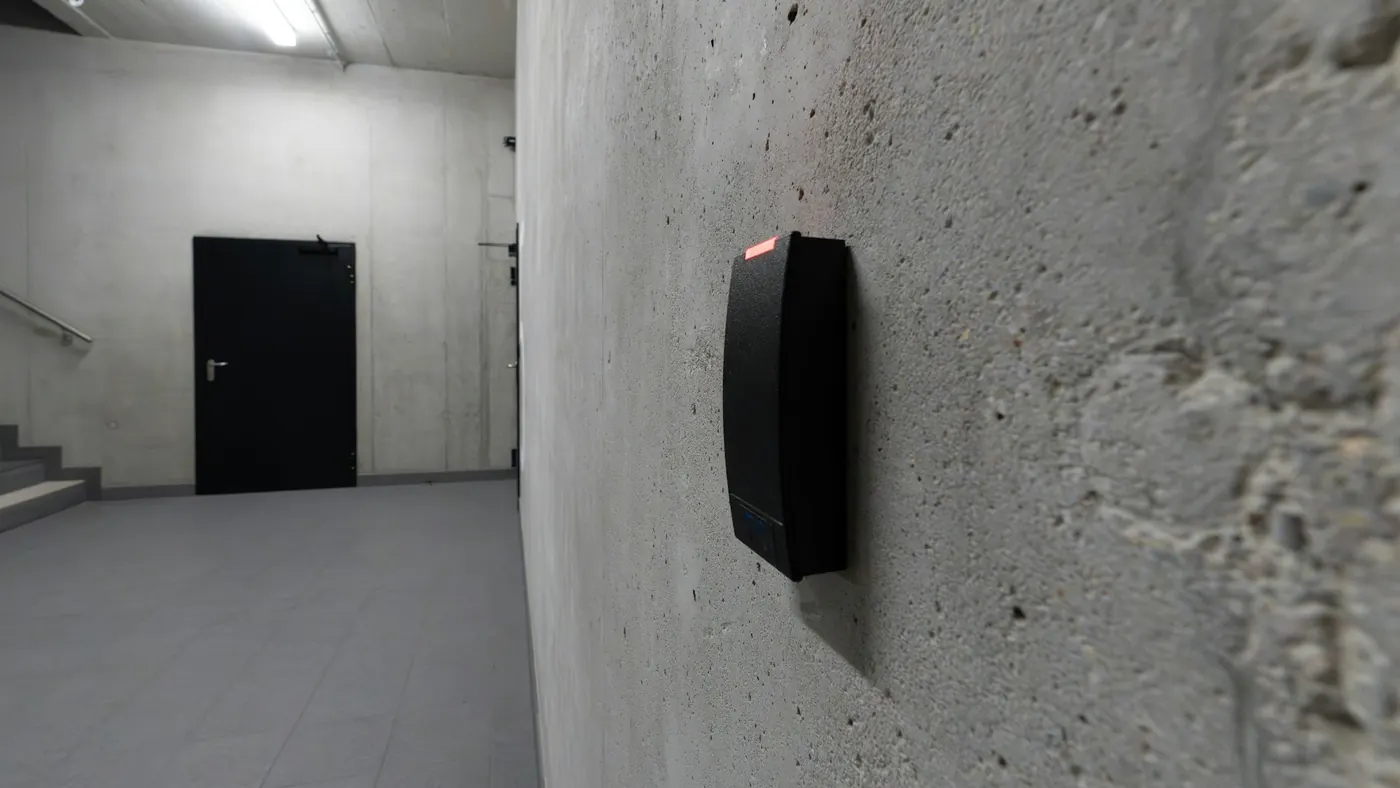
- Reader: identifies the person by card, fingerprint, face or code.
- Controller: checks whether that person may use that door at that time and tells it to open.
- Lock: electromagnetic or electric, depending on the door.
- Exit button on the inside and a power supply with battery so the system keeps working during a power cut.
- Software: from a computer or phone you grant and remove permissions and see who came in and when.
Card, fingerprint, face or PIN: which to choose
| Method | Advantages | Keep in mind |
|---|---|---|
| Card or key fob | Fast and affordable. When someone leaves, you cancel the card without changing locks | It can be lent or lost |
| PIN keypad | Nothing to hand out | Easily shared; it needs to be changed often |
| Fingerprint | Can’t be lent or lost | Fails with dirty, wet or worn fingers. It is sensitive data |
| Facial recognition | Touch-free and fast when many people pass | More expensive and depends on lighting. It is sensitive data |
You don’t need the same method on every door. A common setup is a card at the main entrance and fingerprint or face at critical areas: the server room, the cash office, the archive or the warehouse.
What a good system needs
- Schedules by person or group: cleaning staff come in early, office staff during business hours and contractors only on the days they are authorized.
- An event log you can review and export: entries, rejected attempts and doors left open.
- Safe exit in an emergency: on evacuation routes, the door must open from the inside even if the power fails. Electromagnetic locks release when they lose power and are paired with an emergency release button.
- Backup battery so a power cut doesn’t leave doors open or anyone locked in.
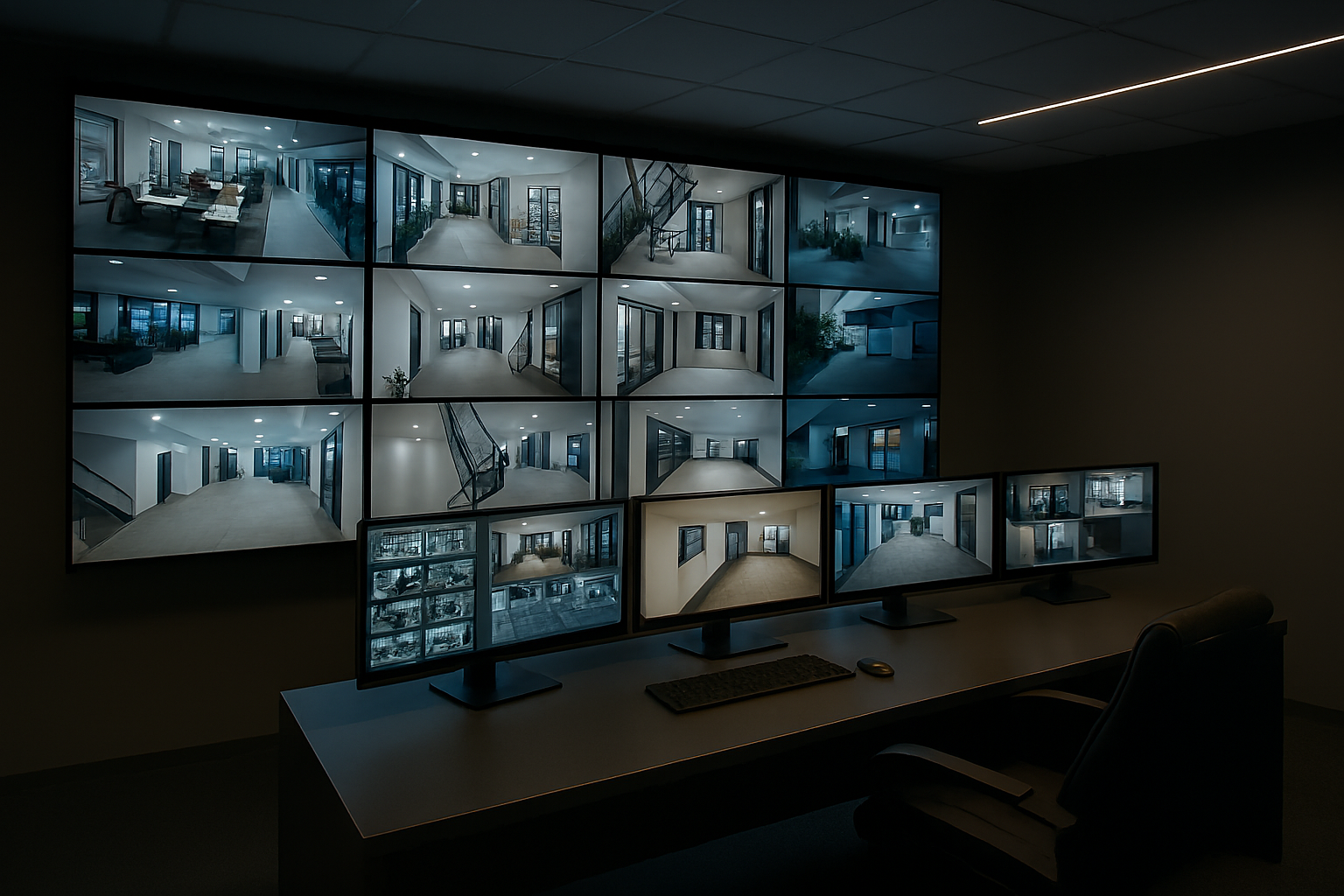
- Integration with cameras and alarms: each event can be linked to the video from that moment. We explain this in how to protect your business with electronic security.
Biometric data and Colombian law
Fingerprints and faces are sensitive data under Colombia’s personal data protection law (Ley 1581 de 2012). If you use them for access control, you must:
- Get prior, express and informed consent from each person, explaining what their data will be used for.
- Offer an alternative, such as a card, to anyone who doesn’t consent: no one can be required to provide sensitive data.
- Have a data processing policy and protect the system’s database with passwords and backups.
- Delete the data of people who no longer work for the company.
How we implement it
- Site walk: we identify the doors, the areas and who needs to enter each one.
- Design: we choose the identification method and lock type for each door.
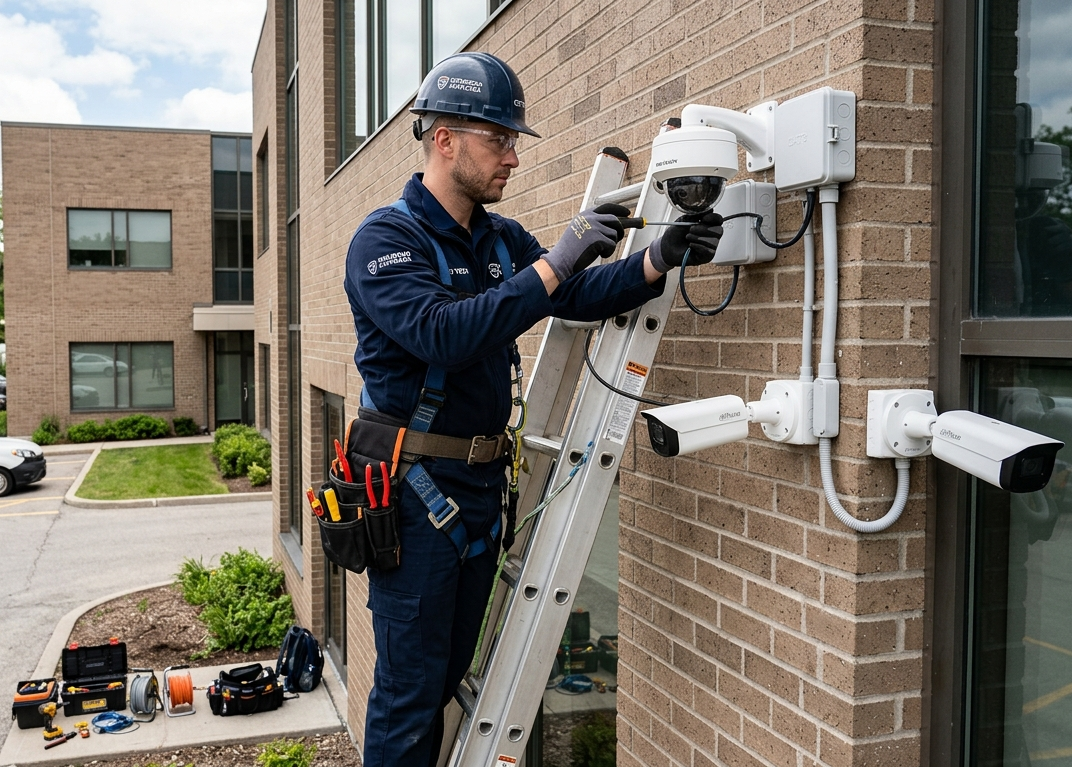
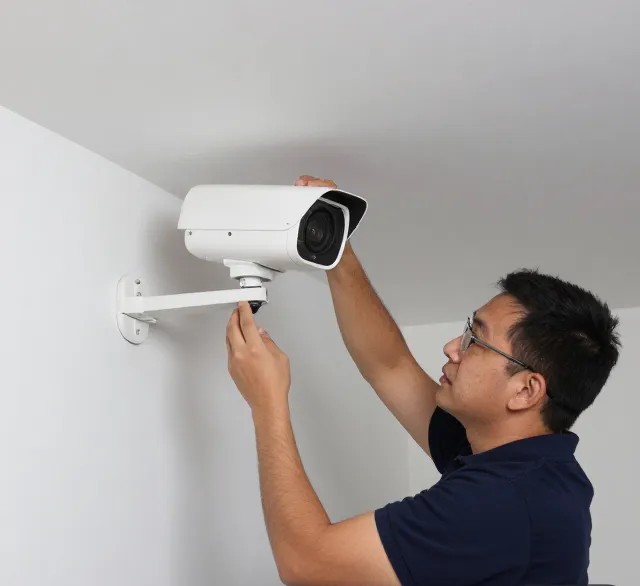
- Installation: readers, locks, controller, cabling and backup battery.
- Setup: we load users, schedules and permissions, and connect it to your cameras or alarms if you have them.
- Training and maintenance: we show your team how to add and remove users and review the logs.
Want to control who enters your business and when?
We reply within 24 hours, and advice is free.