A power cut in the middle of work can corrupt files, and the surge when power comes back can burn out a power supply. Protecting equipment costs far less than repairing it or losing your data.
Power problems
- Outages: equipment shuts off abruptly and anything unsaved is lost.
- Voltage drops: equipment restarts or runs under strain.
- Spikes or surges: they happen when power returns or during electrical storms, and can burn out power supplies and boards.
- Electrical noise: small fluctuations that cause hard-to-trace faults.
Surge protector, regulator or UPS: how they differ
| Device | What it does | For which equipment |
|---|---|---|
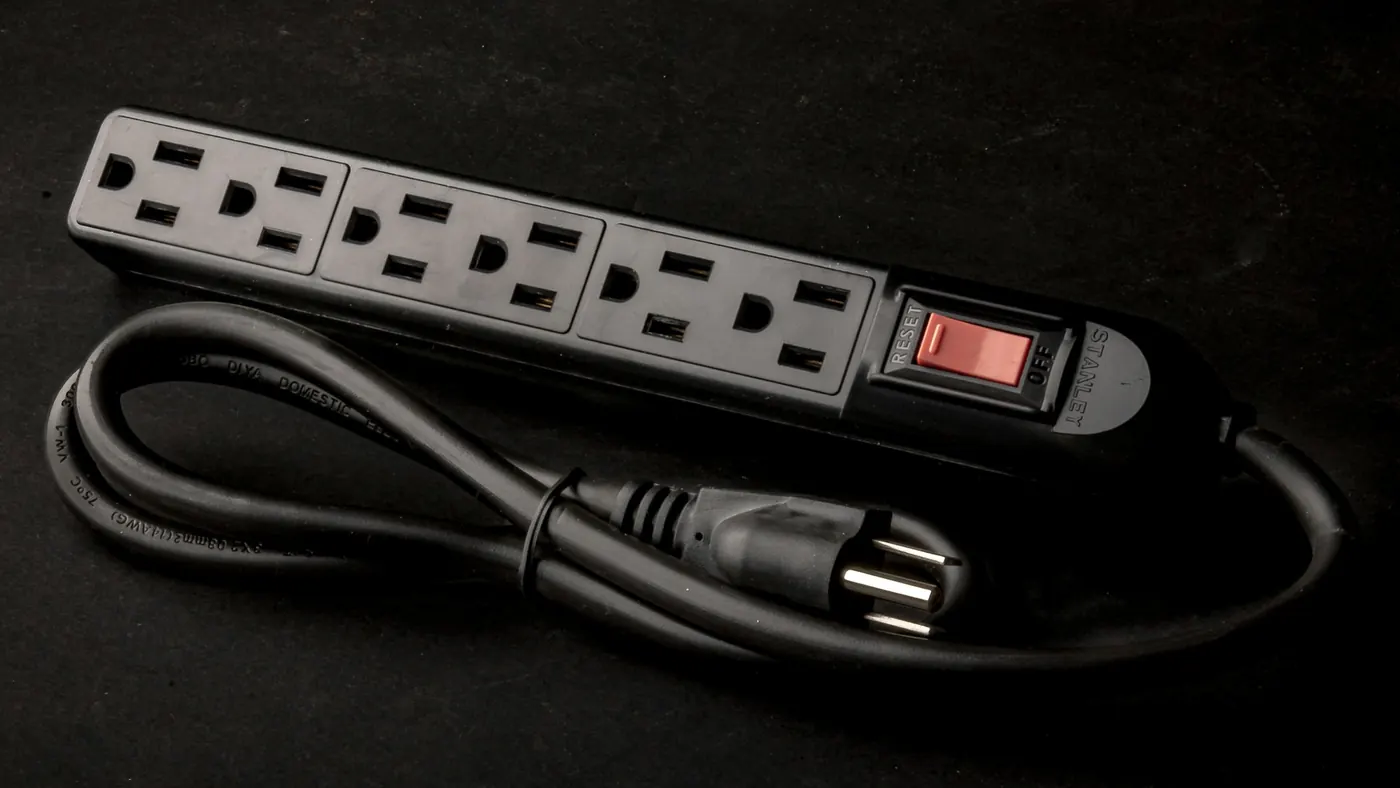
| Surge-protected power strip | Absorbs spikes. It doesn’t correct drops or provide power during an outage | Chargers and small devices |
| Voltage regulator | Keeps voltage steady through surges and drops. It doesn’t provide power during an outage | TVs, sound equipment and printers |
| UPS | Uses a battery to keep equipment on during an outage, long enough to save and shut down properly. Most also regulate voltage | Computers, servers, routers and camera recorders |
Types of UPS
- Standby or offline: the most basic and affordable. It switches to battery when the power goes out, but regulates little.
- Line-interactive: regulates voltage without using the battery. It’s the most common choice for offices and workstations.
- Online or double-conversion: equipment always gets clean power, with no gap at all during an outage. It’s the right choice for servers and critical equipment.
How to size the UPS you need
- List what you want to protect: tower, monitor, router, camera recorder.
- Add up their power draw in watts (W), shown on each device’s label or spec sheet.
- Add a margin of 20% to 30% so it doesn’t run at its limit.
- Check the UPS capacity in watts, not just VA. A 1000 VA UPS can deliver between 600 and 900 W, depending on the model.
- Decide how much time you need: office UPS units usually give 5 to 15 minutes at half load, enough to save and shut down. To keep working through an outage you need extra batteries or a generator.
Common mistakes
- Plugging a laser printer into the UPS battery outlets: it draws a lot of power when heating up and can overload it. Plug it into a regulator or into the UPS’s surge-only outlets.
- Plugging the UPS into a power strip instead of directly into the wall.
- Never replacing the battery: it lasts 3 to 5 years, less in hot places. If the UPS no longer holds up, check the battery.
- Leaving it on the floor or somewhere hot, where dust and humidity build up.
- Forgetting the router: if the computer stays on but the internet drops, you still can’t work.
- Not connecting the UPS’s USB cable: with it, the computer shuts down safely on its own when the battery runs low.
Not sure which UPS or regulator your equipment needs?
We reply within 24 hours, and advice is free.