Most software projects that fail don’t fail because of technology, but because of planning: vague goals, features that grow out of control and unclear agreements. The good news is that almost all of it can be avoided with a few decisions at the start.
Start with the problem, not the features
It is tempting to arrive with a list of screens and buttons. It works better to describe what problem you want to solve and how you will know it is solved. For example, instead of “an app with inventory”, something like: “we lose sales because we don’t know what is left in the warehouse; we want to check it in real time from a phone”.
With a clear problem, the development team can propose the simplest solution, which is often smaller and cheaper than you imagined.
Write a one-page brief
You don’t need a technical document. One page with these points is enough to request comparable proposals:
- Goal: the problem being solved and the expected result.
- Users: who will use it (customers, staff, administrators) and on which device.
- Main tasks: the three to five things each user must be able to do.
- Integrations: payments, invoicing, WhatsApp, email or other systems you already use.
- Data: what information is stored and whether it includes personal data.
- Timeline and budget: a target date and an investment range, even a rough one.
- References: apps or sites you like, and why.
Define a first version
The first version, known as an MVP (minimum viable product), is the smallest one that already solves the problem for real users. Launching it early lets you learn from data instead of assumptions. A practical way to decide what goes in is to classify each feature:
- Must have: without it, the product does not meet its goal.
- Should have: greatly improves the experience, but can come in the second release.
- Nice to have: worth considering after seeing how people use it.
The first version includes only the must-haves. Everything else goes on a prioritized improvement list.
The phases of a project
Every team has its own method, but a well-run project usually goes through these stages:
- Discovery: interviews, process review and defining the scope of the first version.
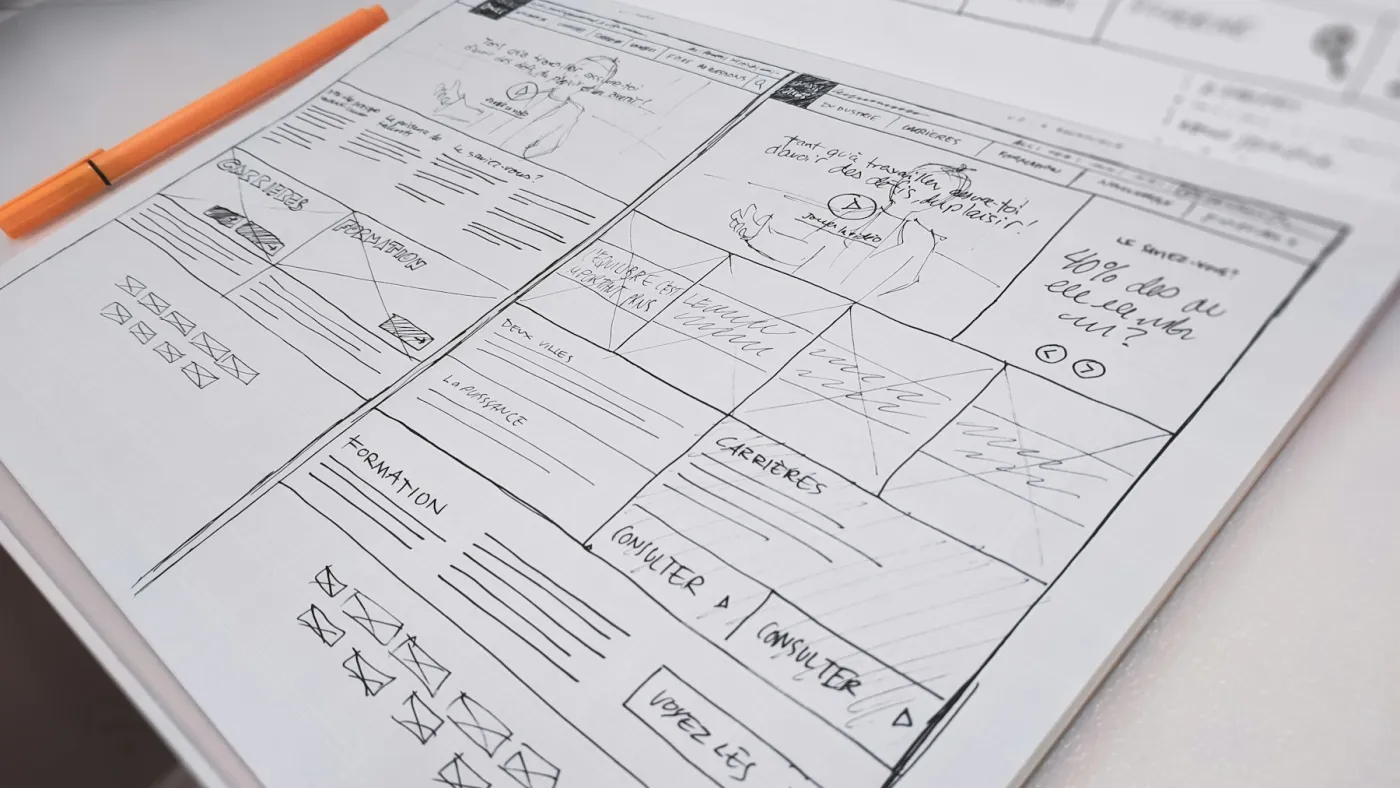
- Design: user journeys and a clickable prototype validated before coding.
- Development in releases: working progress every one or two weeks that you can test and comment on.
- Testing: checks on different devices, edge cases and tests with real users.
- Launch: publishing on servers and, if applicable, on the App Store and Google Play.
- Support and improvement: bug fixes, updates and new features based on real use.
Validating the design before coding is the decision that saves the most: changing a prototype takes hours; changing software already built takes weeks.
What to ask a developer
When comparing proposals, price matters, but these answers say much more about how the project will turn out:
- Can I see similar projects working? Ask for links or published apps, not just images.
- How often will I see progress? Ideally you test real versions frequently.
- Who owns the code and the accounts? The domain, server and app store accounts should belong to your company.
- What does post-launch support include? Response times, fixes and maintenance costs.
- How are scope changes handled? There should be a clear process to estimate and approve new work.
- How is data protected? If you store personal data in Colombia, the system should help you comply with Law 1581 of 2012.
Warning signs
- A very low fixed price before the problem has been understood.
- Months of work without a single version you can try.
- Vague answers about code ownership or server access.
- No plan for testing, backups or maintenance.
After launch
Launching is the beginning, not the end. Software needs maintenance: security updates, adjustments for new versions of iOS, Android or browsers, and data backups. Set aside part of the budget for it every year.
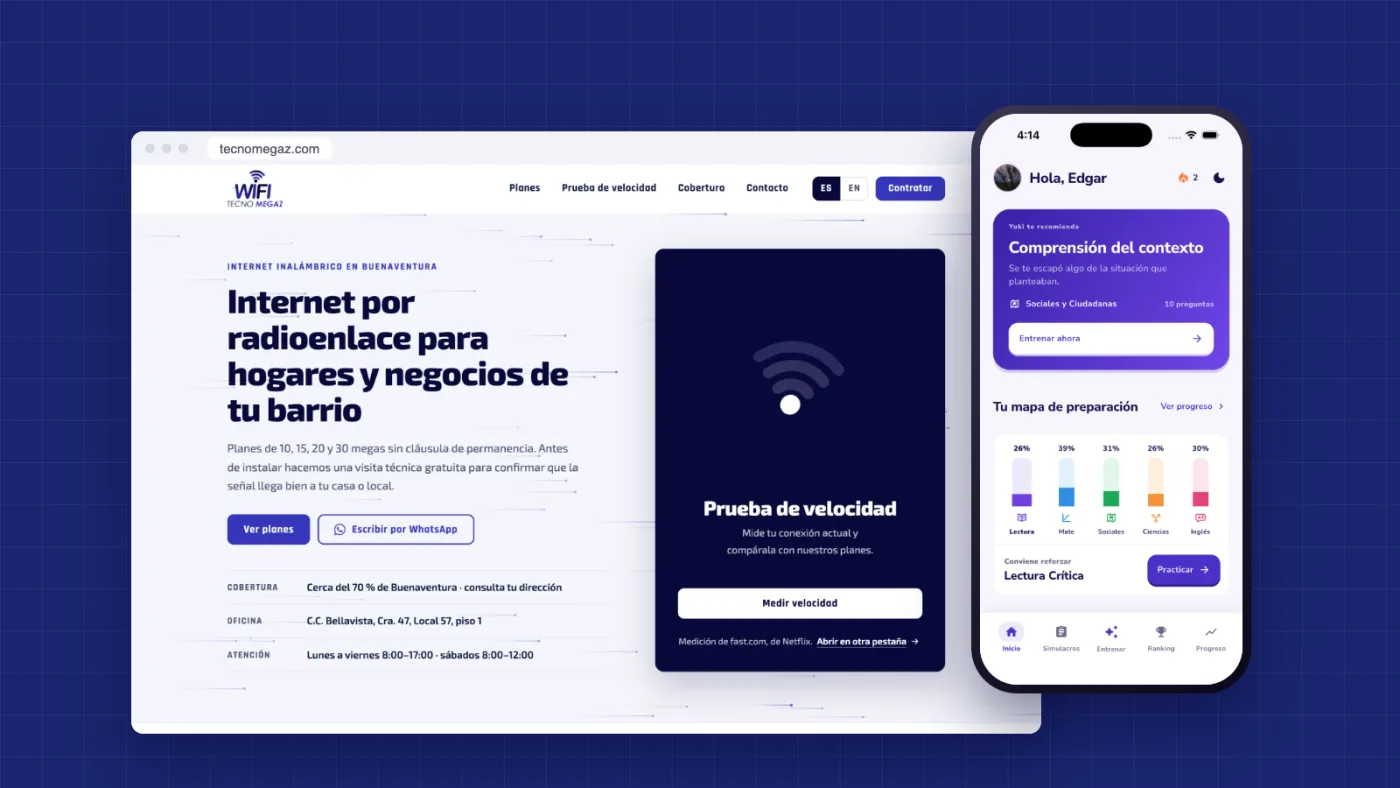
Also define how you will measure success: how many people use it, how many leads or sales it generates, or how much time it saves your team. With that data, every new version is decided with good judgment. That is how we work on projects like Yukiia, which grows release by release based on how students actually use it.
If you are still deciding between an app and a website, our guide Mobile app or website? may help.
Have a software idea and not sure where to start?
We reply within 24 hours, and advice is free.