Most attacks on websites aren’t personal: they are automated programs that crawl the internet looking for weak passwords, outdated plugins and unprotected forms. That is why a small business is exposed too, and why a few well-applied practices protect it from almost everything.
The essentials
- Use HTTPS across the whole site. It is the padlock next to the address: it encrypts what travels between the visitor and your server. Certificates are usually free today, and browsers flag a site without one as “not secure”.
- Keep everything updated. The site’s system, its plugins, the app’s libraries and the server. Most intrusions exploit flaws that already had a published fix.
- Use unique passwords and two-step verification. A password manager helps you keep a different one for each service. Turn on two-step verification for the site dashboard, email, domain and app store accounts.
Who gets in, and with what permissions
- One user per person, with the minimum permissions. Someone who only publishes content doesn’t need to be an administrator. When someone leaves the company, remove their access the same day.
- Accounts in the company’s name. The domain, hosting, server and App Store and Google Play accounts should belong to the business, not an employee or vendor. Recovering them later can take weeks.
Your data and your backups
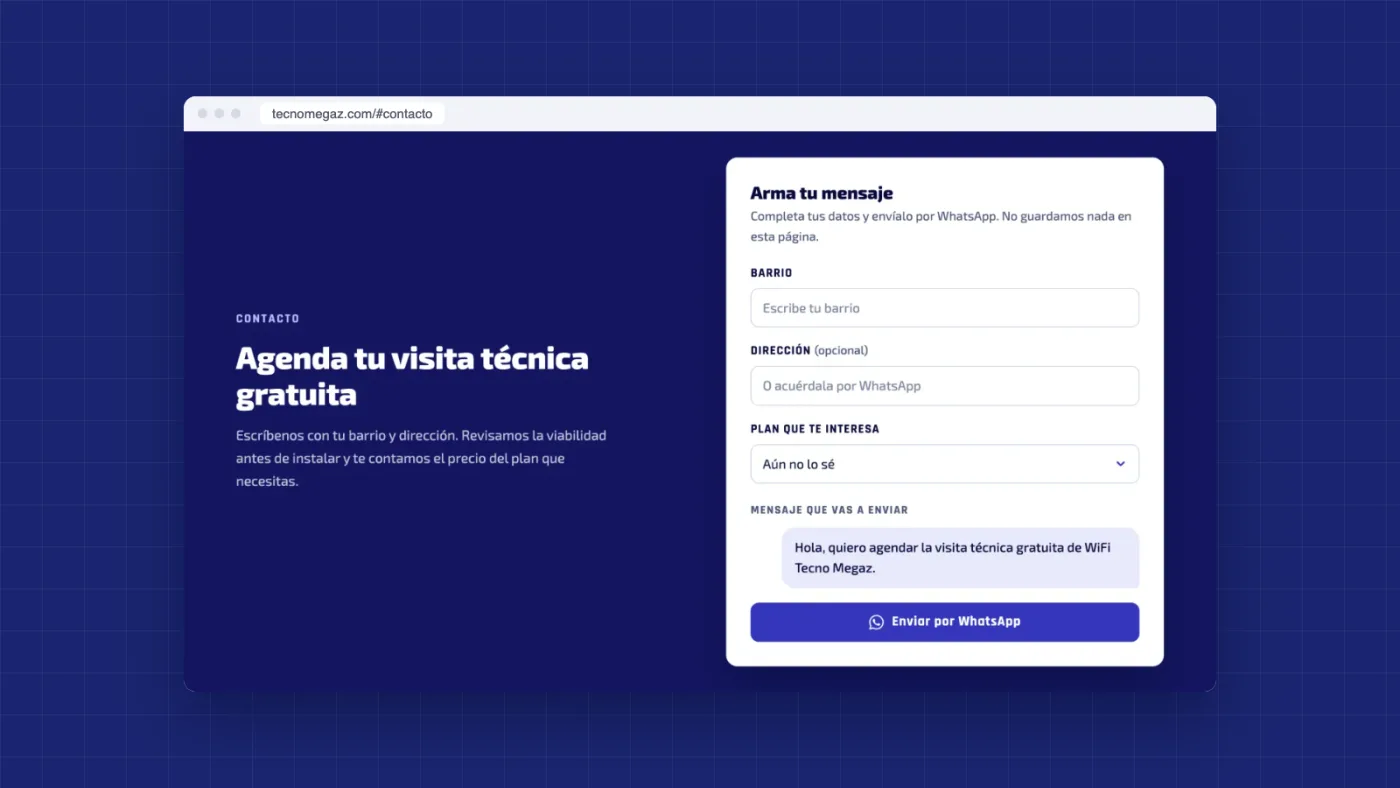
- Store only the data you need. What you don’t store can’t leak. If a form only needs to send a message, it has no reason to store anything; that is how we built WiFi Tecno Megaz.
- Make automatic backups and test them. A useful rule is 3-2-1: three copies, on two different media and one away from the main server. A backup that has never been restored guarantees nothing.
Forms, payments and keys
- Protect your forms. Validate user input on the server, limit login attempts and use a bot check to stop spam.
- Don’t store card data or keys in the app. Payments should go through a certified payment gateway that handles sensitive information. And keys for external services should live on the server, not inside the phone app, where they could be extracted. It is a principle we follow in Yukiia.
- Monitor and have a plan. Set up alerts if the site goes down or there are unusual logins, and decide in advance who does what if something happens.
What Colombian law requires
If your site or app collects personal data such as names, phone numbers or emails, Law 1581 of 2012 on personal data protection and its regulations apply. In practice, this means:
- Publishing a data processing policy explaining what you collect, why and how people can exercise their rights.
- Asking for authorization before collecting data, for example with a checkbox the user ticks on the form.
- Handling requests and complaints from people who want to see, correct or delete their data.
- Checking whether you must register your databases in the National Database Registry of the Superintendence of Industry and Commerce; the obligation depends on the type and size of the company.
If something goes wrong
If you suspect someone got into your site or app, act in this order: change every password and close open sessions, isolate or disconnect what is affected, restore from a clean backup, update whatever was outdated and review what data may have been exposed. If personal data was exposed, Colombian law requires notifying the Superintendence of Industry and Commerce, and it is wise to inform affected users.
Quick checklist
- The site always opens over HTTPS.
- System, plugins and libraries are up to date.
- Important accounts have two-step verification.
- Each person has their own user with the right permissions.
- The domain, hosting and app stores are in the company’s name.
- There are automatic backups and a restore has been tested.
- Forms store only what is needed and ask for authorization.
- Payments go through a certified gateway.
- A data processing policy is published.
- There are alerts and a plan if something goes wrong.
Want to review the security of your website or app?
We reply within 24 hours, and advice is free.